INT-TSI-W

Touchscreen keypad

TOUCHSCREEN KEYPAD

INT-TSI

The extensive capabilities offered by advanced alarm systems based on the INTEGRA and INTEGRA Plus control panels need to be easily controlled by its users.
Discover INT-TSI: an easy-to-use touchscreen keypad. Its remarkable minimalistic design, and functional user interface, make it a perfect choice for your smart home.

Captivating design paired with broad personalization settings

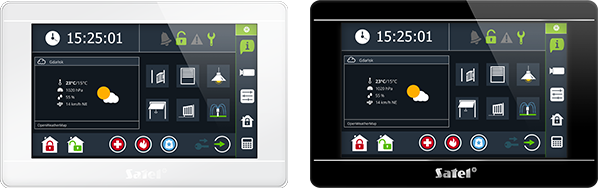
With its plain, but modern form, and two colour versions, INT-TSI can fit perfectly into any interior, regardless of its design style. To complement this, INT-TSI features extensive personalization settings, allowing you to make your keypad unique. Pick a wallpaper, icon set, or a theme, and make it one-of-a-kind.
Which INT-TSIINT-TSI colour will you choose to match your interior design?

Easy to use

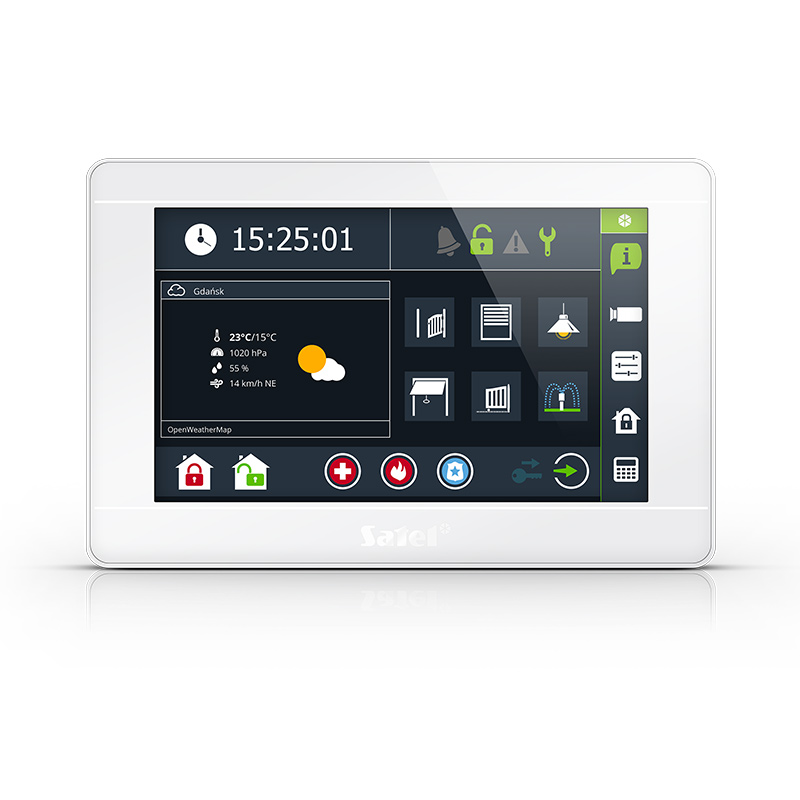
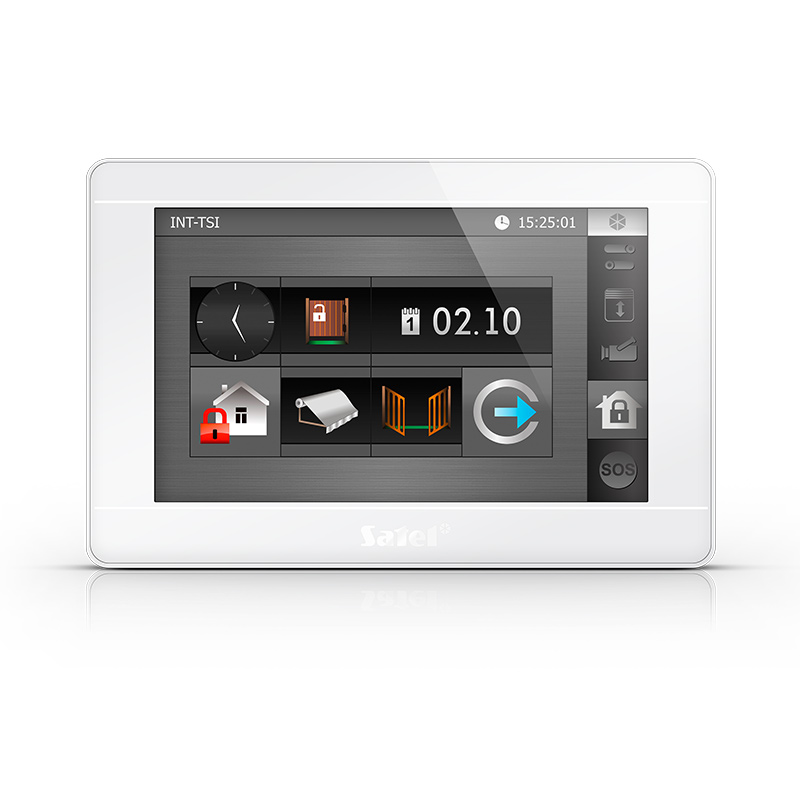
Just take a quick look at your INT-TSI to know what’s going on. The keypad utilizes various icon and text widgets to display current system status, and other useful information. Its 7-inch display with touch screen guarantees the same comfort of use you know from using your smartphone or tablet.

INT-TSI widgets can be assigned various tasks:

command components of your intruder alarm or building automation system
indicate status of connected devices or other system components
command and display status at the same time

Additional widgets

INT-TSI also features additional widgets that can display current time, date, or temperature. Next to these, you can place a dedicated openweathermap.org widget.

Photo frame mode

When left idle, your INT-TSI can display current time, date, weather, or selected status widgets. Your keypad can also serve as a photo frame. Pick your favorite pics, and turn them into a screensaver.

With our Picusto desktop app you can transform selected pictures to be displayed on the keypads as a slideshow or a wallpaper.
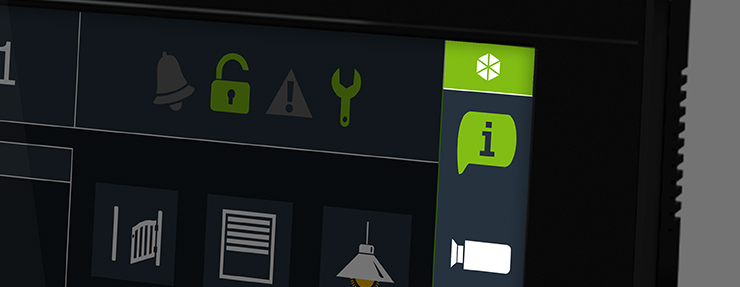
Group widgets however you like
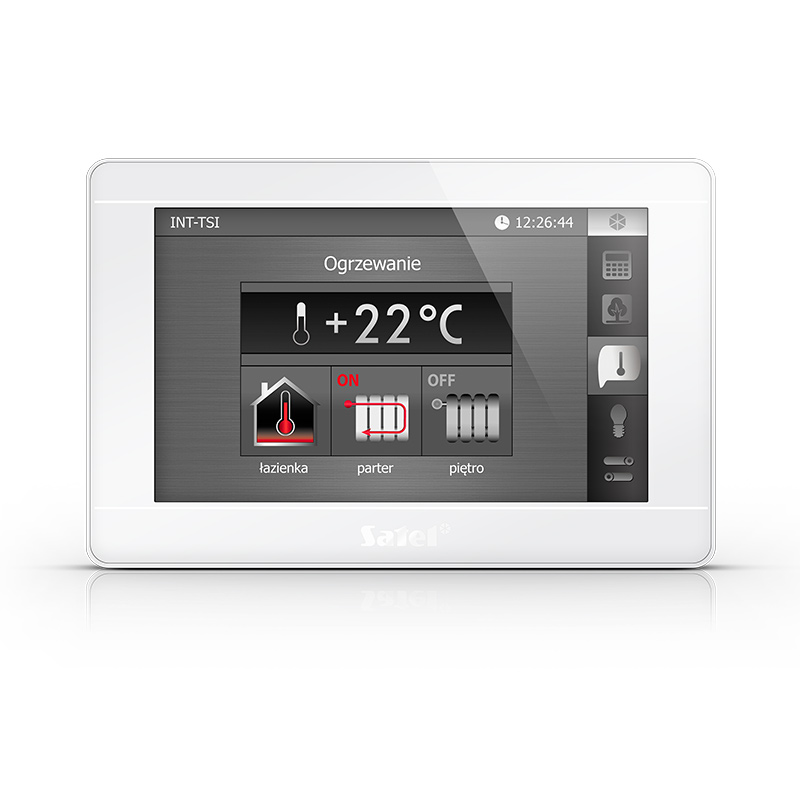
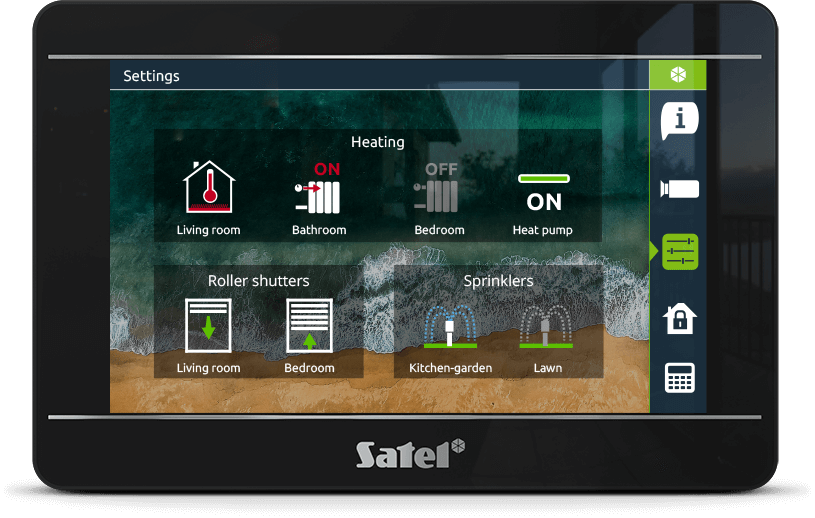
Every widget can be placed on different menu screens, making it even easier to command your INTEGRA system. All INT-TSI widgets can be grouped by their functions, helping you to quickly find the one you’re looking for. Use the tab bar to swiftly navigate between different menu screens.

Numpad ​

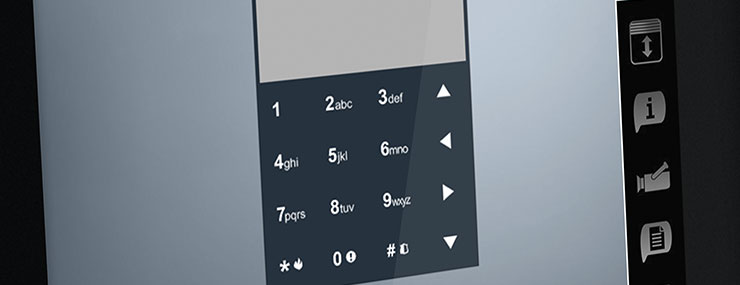
Whenever you need to type in your system password, a numpad pops up on the INT-TSI screen. The numpad changes its display location every time it appears to make it impossible for intruders to guess your system password by tracking your fingerprints.

Easy control of building automation

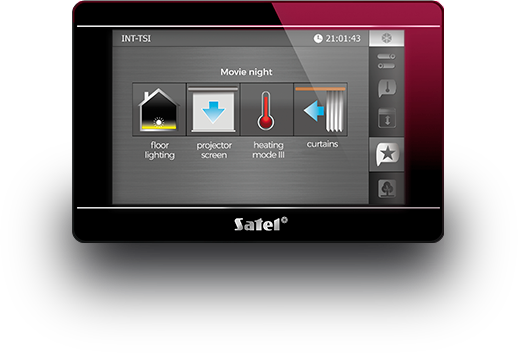
With INT-TSI, you can give basic commands to your building automation system, created with an INTEGRA or INTEGRA Plus control panel. When properly configured, the control panels can automatically perform single or entire sequences of commands as scheduled. For example, with one tap on the “Movie night” icon you can switch on the floor lighting, pull out the projector screen, set a comfortable temperature in the room and close the window curtains.

Full INTEGRAtion

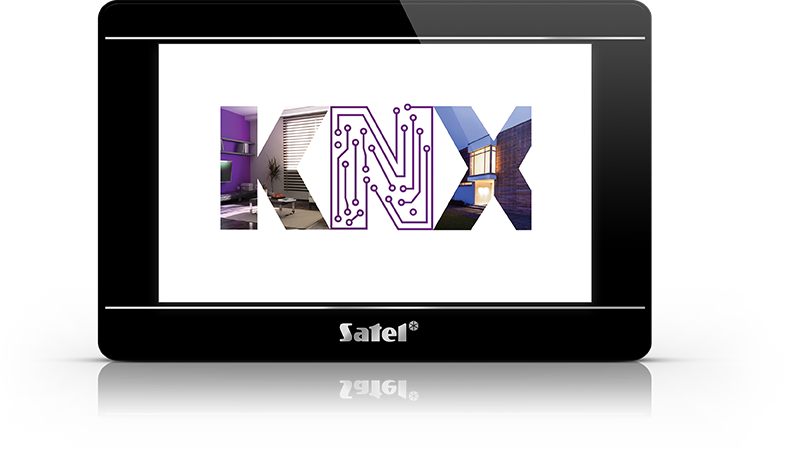
INT-TSI can easily control advanced building automation systems, including the KNX automation systems integrated with the INTEGRA and INTEGRA Plus control panels.

KEEP AN EYE ON EVERYTHING

Camera feed

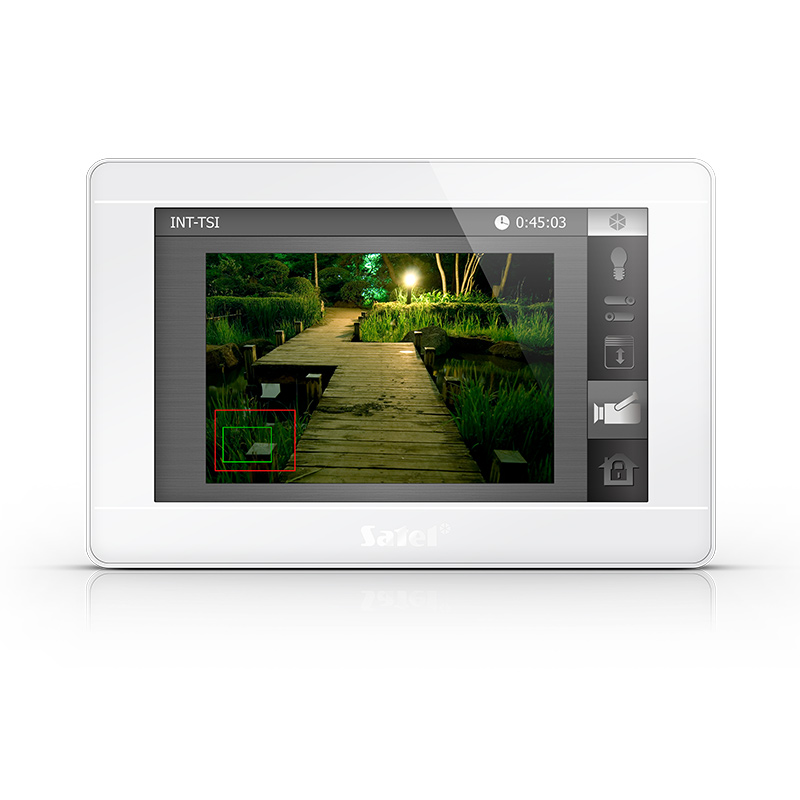
INT-TSI can display camera feed from connected video devices. Use this to check what’s going on at your gate, or in your garden.

This makes INT-TSI a true security centre, bringing together all the most important functions that ensure your safety.

Help in danger

Widgets on the INT-TSI main screen can be customized to give users swift access to the arming commands, additional setting, or to quickly call for help.
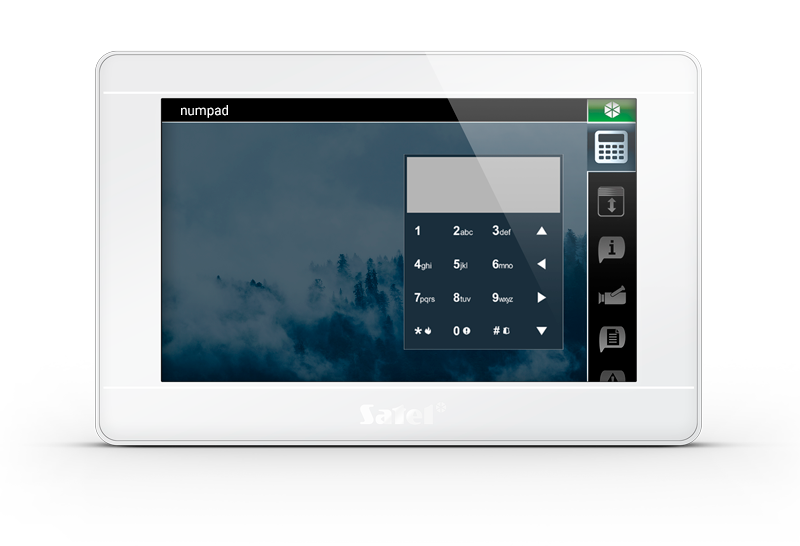
Legacy keypad

The terminal mode simulates the classic keypad for the INTEGRA and INTEGRA Plus control panels. This is a nod to users accustomed to controlling the system in a more traditional way.

The numpad changes its display location every time it appears to make it impossible for intruders to guess your system password by tracking your fingerprints.

„Intercom” widget

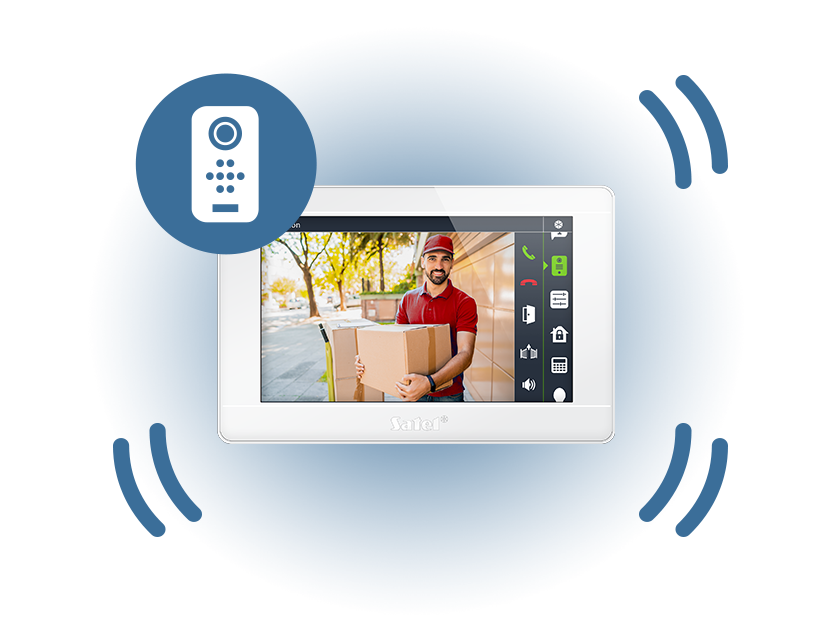
The keypad, working with door stations supporting the SIP protocol, offers video intercom functionality.

When someone rings the door or gate using the door station, the camera image will be displayed on the INT-TSI keypad. You can start a conversation, reject a call or let a guest in.
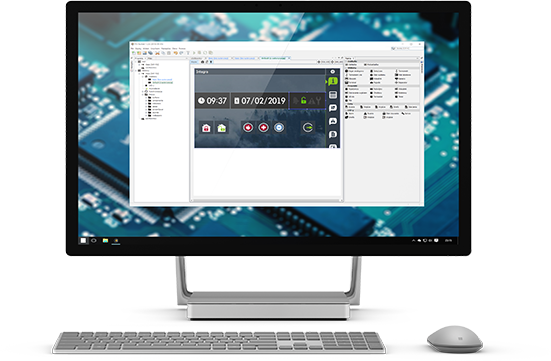
TSI Builder

Customize the interface of your INT-TSI keypad with our dedicated software. You can download TSI Builder for free from the SATEL Support Service.
Product catalogue

.
characteristics

The INT-TSI keypad is a real command center for a smart alarm system. As its interface can be customized to individual user's needs, it provides a perfect solution both for people expecting ease of operation and for advanced users who make use of the extended system functionality.

  • capacitive glass touchscreen with 7" LCD
  • graphic operating interface, customizable to individual user's needs
  • an option to choose from a few graphics design
  • MACRO functionality to implement a sequence of actions using a single button
  • capability of viewing images from IP cameras (MJPG via HTTP and in v1.04: MPEG-4, H.264 via RTSP)
  • "Intercom" widget - video intercom functionality; cooperation with door stations supporting the SIP protocol
  • an additional keypad can be connected via Ethernet to each keypad connected to the bus - which makes it possible to double the number of keypads in the system
  • MQTT support – the keypad can operate as both an MQTT server and client
  • extended KNX IP integration and HTTP communication support
  • standalone operation – without connection to an alarm control panel
  • wide range of dedicated widgets for various functions, including weather widget to which forecast is downloaded from the openweathermap.org service
  • scalability of the widget size
  • capability to present the system state in the screensaver mode
  • photo frame function
  • capability of saving the user interface configuration directly from TSI Builder program to keypad over Ethernet
  • available in white (INT-TSI-W) and black (INT-TSI-B)

The operation of the "Intercom" widget in the INT-TSI keypad working with door stations supporting the SIP protocol was checked on various test sets. The best results were obtained with the following door station models:

    • 2N IP Solo - firmware version 2.44.1.57.4
    • 2N IP Force - firmware version 2.44.0.57.3
    • 2N IP One - firmware version 2.44.0.57.3
    • 2N IP Style - firmware version 2.44.0.57.3
    • 2N IP Base - firmware version 2.40.0.53.4
    • 2N IP Verso - firmware version 2.41.0.54.3
    • Akuvox R20A - firmware version 320.30.3.125
    • Akuvox R20BX2 - firmware version 220.30.3.7
    • Akuvox R20K - firmware version 220.30.1.102
    • Kenik KG-S21KRB-N - firmware version 280D.46.1.0.5_B_20240909
    • Kenik KG-S21R - firmware version 280D.46.1.0.5_B_20240909
    • Kenik KG-S11R - firmware version 170SD.46.1.1.34_B_20240621
    • Kenik KG-S30KRD-P - firmware version 280D.46.1.0.5_B_20240909


    Configuration of “Intercom” widget


    EN-50131 GRADE 3 - certificate
    The actual appearance of the products may differ from the presented images. Product descriptions are provided in the web service for information purposes only.

    manuals

    software

    certificates

    technical data

    information materials