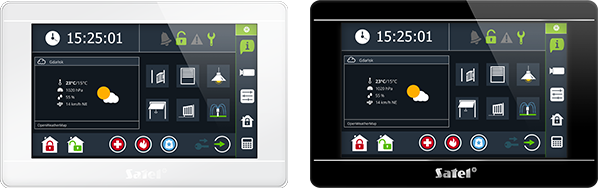
TOUCHSCREEN KEYPAD
INT-TSI
Captivating design paired with broad personalization settings
With its plain, but modern form, and two colour versions, INT-TSI can fit perfectly into any interior, regardless of its design style. To complement this, INT-TSI features extensive personalization settings, allowing you to make your keypad unique. Pick a wallpaper, icon set, or a theme, and make it one-of-a-kind.

Easy to use
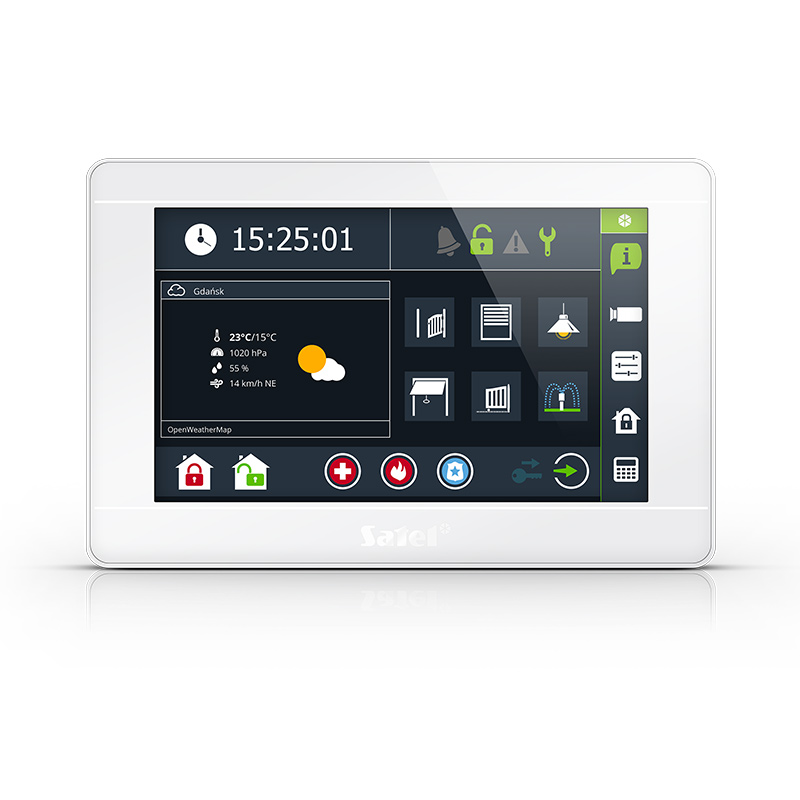
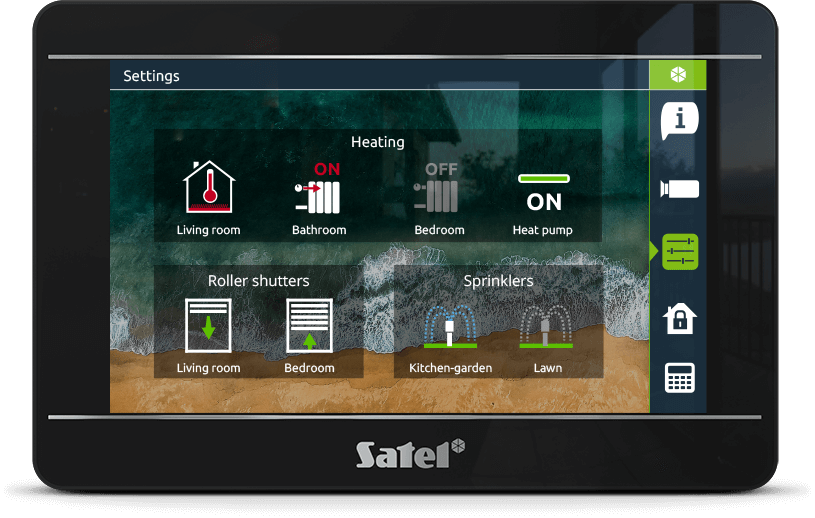
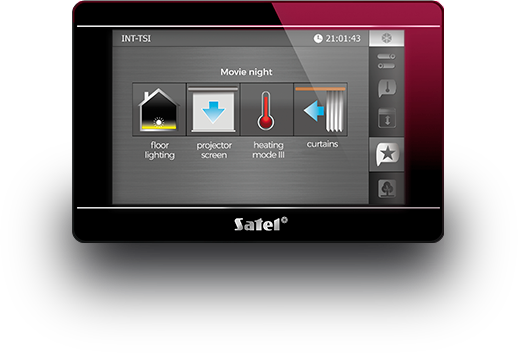
Just take a quick look at your INT-TSI to know what’s going on. The keypad utilizes various icon and text widgets to display current system status, and other useful information. Its 7-inch display with touch screen guarantees the same comfort of use you know from using your smartphone or tablet.
INT-TSI widgets can be assigned various tasks:




Additional widgets
INT-TSI also features additional widgets that can display current time, date, or temperature. Next to these, you can place a dedicated openweathermap.org widget.
Photo frame mode
When left idle, your INT-TSI can display current time, date, weather, or selected status widgets. Your keypad can also serve as a photo frame. Pick your favorite pics, and turn them into a screensaver.
With our Picusto desktop app you can transform selected pictures to be displayed on the keypads as a slideshow or a wallpaper.
Group widgets however you like
Numpad
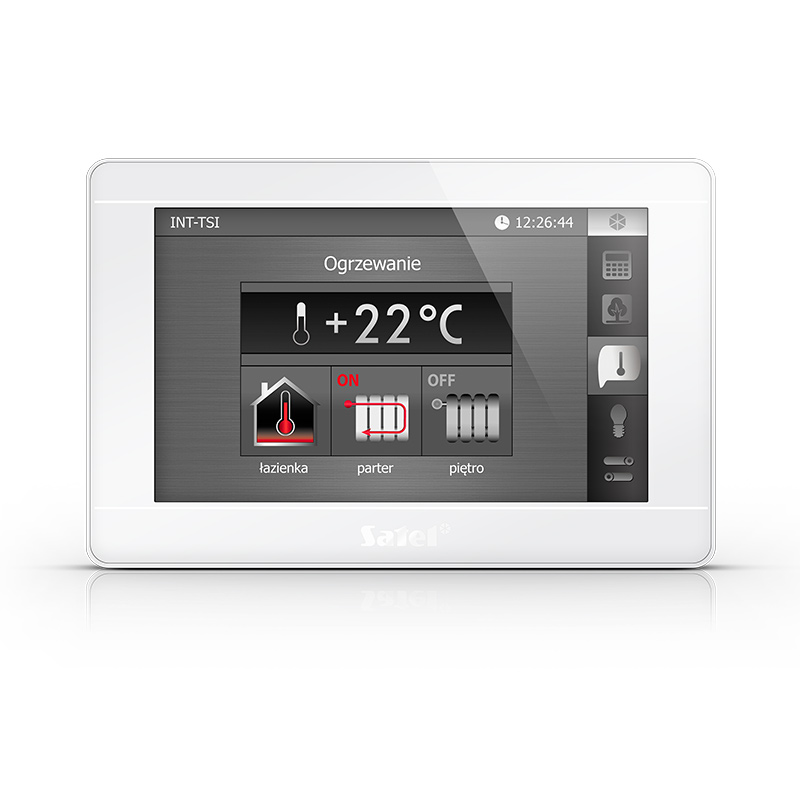
Easy control of building automation

Full INTEGRAtion
KEEP AN EYE ON EVERYTHING
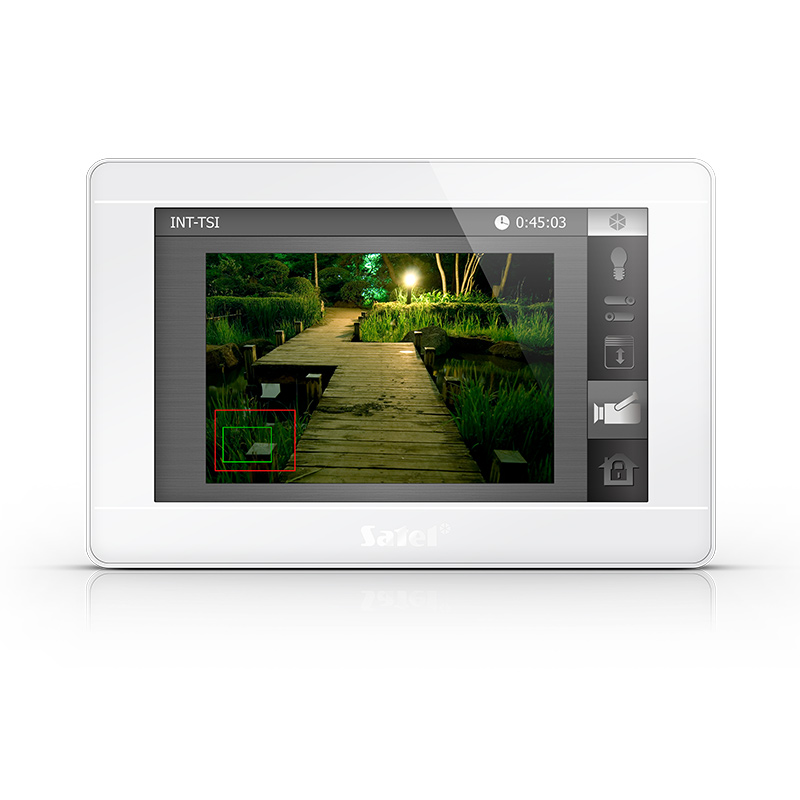
Camera feed
INT-TSI can display camera feed from connected video devices. Use this to check what’s going on at your gate, or in your garden.
This makes INT-TSI a true security centre, bringing together all the most important functions that ensure your safety.

Help in danger
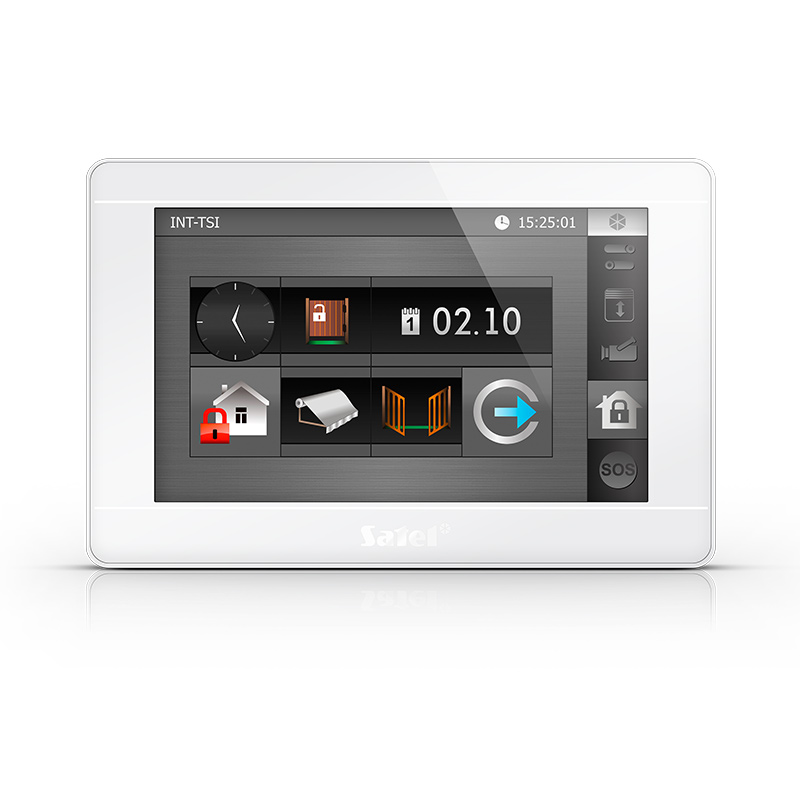
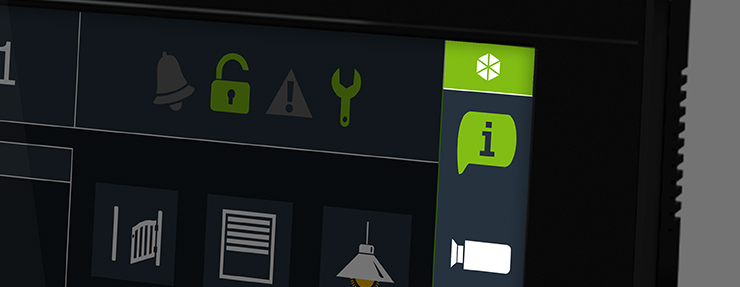
Widgets on the INT-TSI main screen can be customized to give users swift access to the arming commands, additional setting, or to quickly call for help.

Legacy keypad
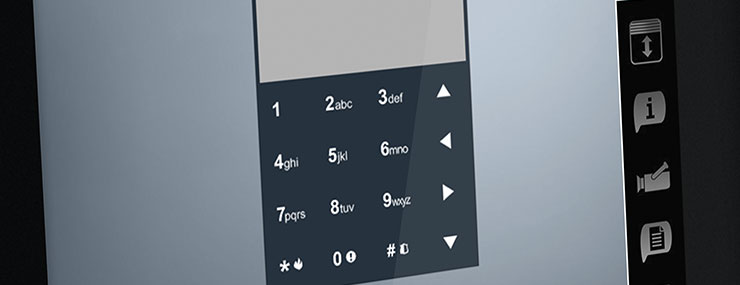
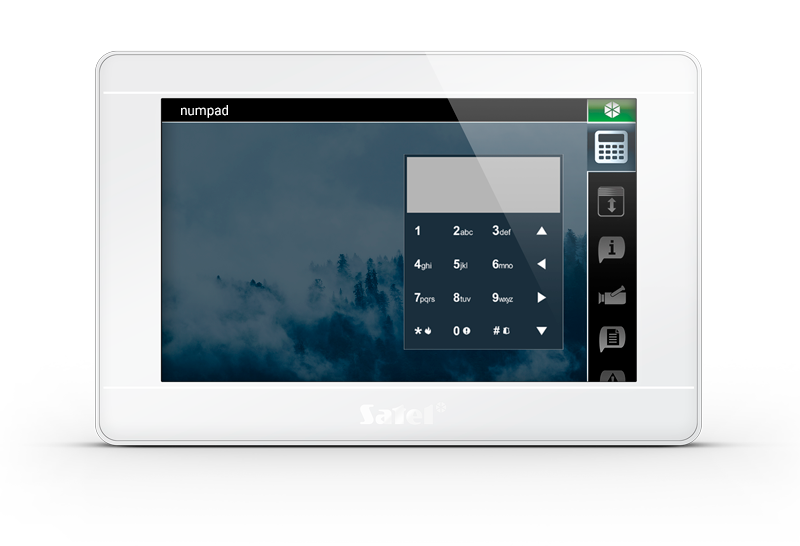
The terminal mode simulates the classic keypad for the INTEGRA and INTEGRA Plus control panels. This is a nod to users accustomed to controlling the system in a more traditional way.
The numpad changes its display location every time it appears to make it impossible for intruders to guess your system password by tracking your fingerprints.
„Intercom” widget
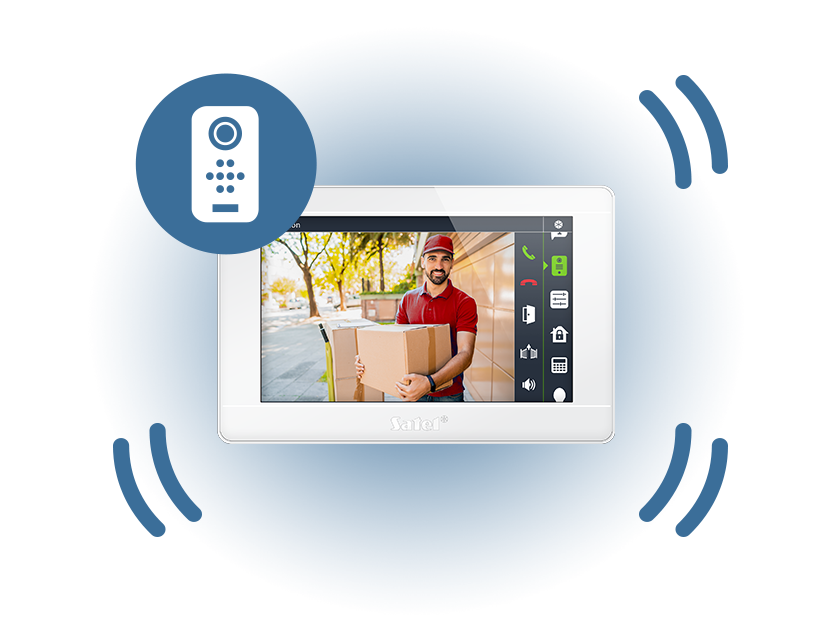
The keypad, working with door stations supporting the SIP protocol, offers video intercom functionality.
When someone rings the door or gate using the door station, the camera image will be displayed on the INT-TSI keypad. You can start a conversation, reject a call or let a guest in.
TSI Builder
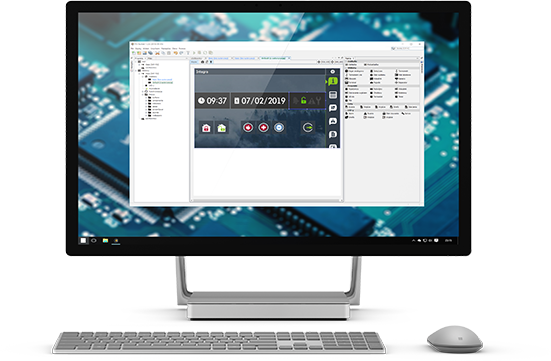
Customize the interface of your INT-TSI keypad with our dedicated software. You can download TSI Builder for free from the SATEL Support Service.
.