New in BE WAVE: more integration, smarter automation and easier control
The latest BE WAVE release brings new ways to integrate BE WAVE with external systems, automate everyday tasks and make the system easier to use. Key changes include support for shortcuts, Apple CarPlay and Android Auto, MQTT integration, expanded camera image features, and further improvements to automation.

Shortcuts, Apple CarPlay
and Android Auto
One of the most noticeable new features is shortcut support, which lets users trigger functions without opening the BE WAVE app. On iOS devices, shortcuts can also be activated with Siri. With support for Apple CarPlay and Android Auto, shortcuts can also be used in the car, directly from the vehicle’s multimedia system.

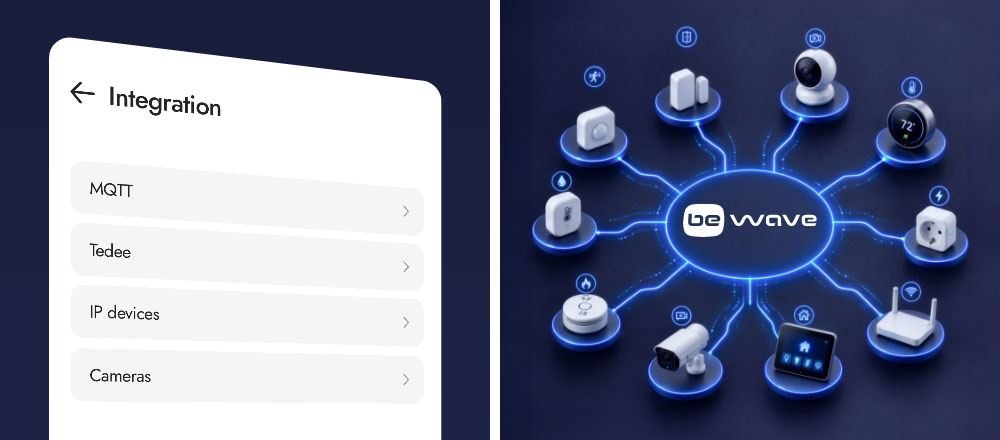
MQTT integration
The app now includes an “Integration” tab that brings together settings for integrations and IP devices. One of the key additions in this section is MQTT support, allowing BE WAVE to communicate with other systems and devices that support the MQTT protocol. This makes it possible to incorporate BE WAVE into broader smart home and building automation installations and exchange data between connected systems. MQTT is widely used in IoT and automation, making it easier to integrate BE WAVE with third-party solutions.

Integration with the INT-TSI keypad
MQTT support also enables BE WAVE to work with the INT-TSI keypad in more advanced installations. Selected BE WAVE functions can be controlled from INT-TSI, while the keypad can display system data such as temperature readings from detectors or power consumption.

The update also introduces native integration with the Tedee powered by GERDA smart lock via its public API and Tedee Bridge.
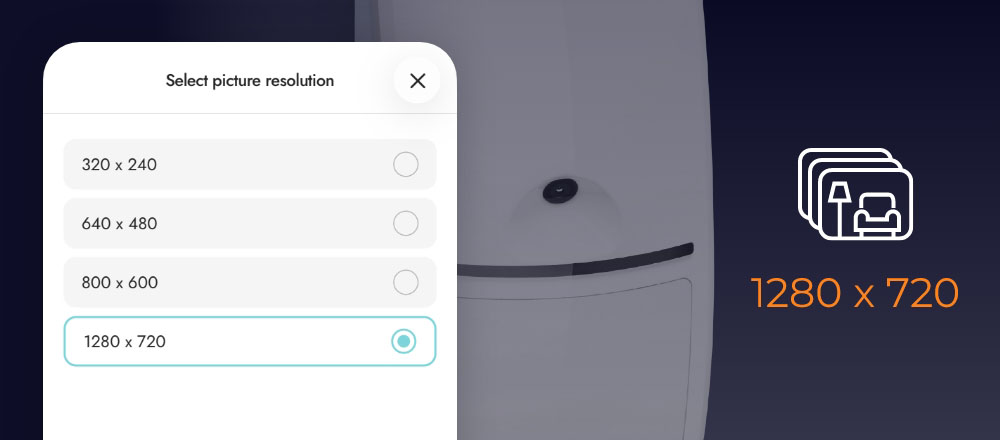
More control over scenes and routines
The update also introduces several changes that make scenes and routines easier to create and manage. You can now search them by name or by the devices used in them, reorder them, create new schedules directly while configuring a routine, and set a delay before the first action is performed.

Quality-of-life improvements
Alongside the new features, the latest release also includes a range of changes aimed at improving day-to-day use and system stability. A detailed technical overview of all new features, improvements and changes is available in the SATEL Support Service.